Skip to content
Why Choose Electron
The birth of Electron
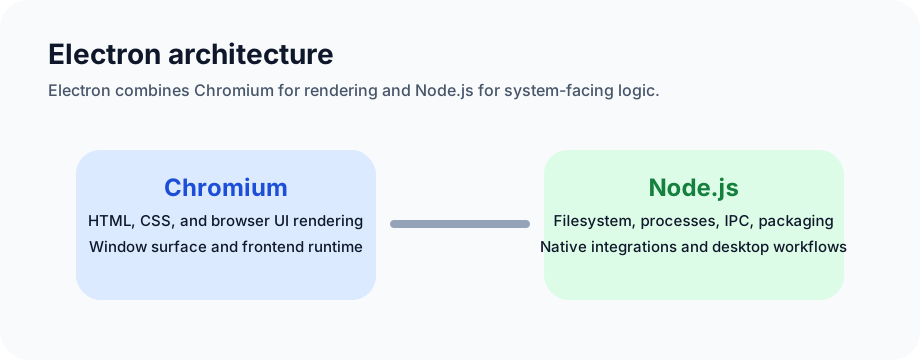
Electron, originally called Atom Shell, is an open-source framework created by GitHub. It combines:
- Node.js as the backend/runtime layer
- Chromium as the rendering engine
That combination makes it possible to build cross-platform desktop GUI applications with web technologies.
Some milestone moments:
- April 11, 2013: Atom Shell began
- May 6, 2014: Atom and Atom Shell were open-sourced under MIT
- April 17, 2015: Atom Shell was renamed to Electron
- May 11, 2016: Electron 1.0 was released
- May 20, 2016: Mac App Store package submission support was added
- August 2, 2016: Windows Store support arrived
Why learn desktop development
Today a huge amount of everyday work can be completed in the browser, and many traditional desktop tools have already been replaced or partially replaced by web applications.
But browser-based service delivery is still passive in one important way:
- if the user comes to you, you can serve them
- if they do not, you have fewer ways to stay integrated with their local workflow
Browsers expose some native-like GUI abilities, but they remain limited. If you need:
- faster and more varied input/output channels
- stronger hardware integration
- lower-level operating system access
then desktop applications still matter.
For frontend engineers, desktop development also expands the skill set. Knowing both web and desktop development broadens career options, and deep desktop work pushes you closer to operating system fundamentals.
Why choose Electron
Easy entry for frontend developers
Electron is a framework for building desktop applications with JavaScript, HTML, and CSS. Because it embeds Chromium and Node.js, frontend developers can use familiar web skills to ship desktop applications on Windows, macOS, and Linux without needing traditional native UI experience up front.
Cross-platform support and high development efficiency
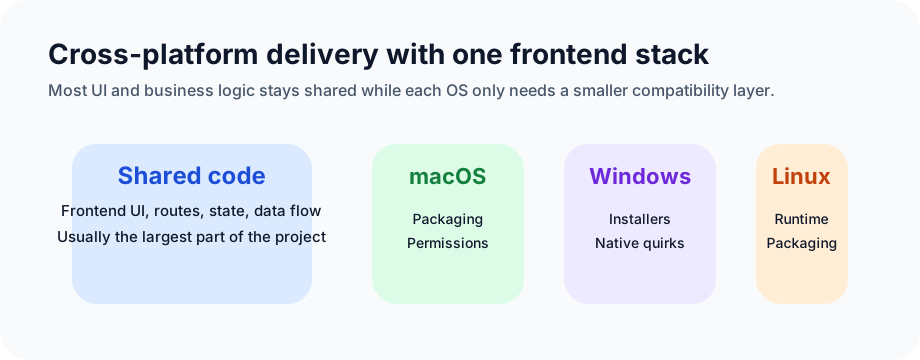
Electron is attractive because Chromium handles the UI layer and Node.js handles the backend/runtime layer. The operating systems still differ, and some platform-specific work is unavoidable, but if 80% or more of the code is shared, that is already a major gain in productivity.
If the application does not need especially deep native integration, much of the lower-level platform smoothing can be ignored or minimized.
Another major advantage is the Node.js ecosystem. A huge amount of Node tooling and modules are directly available inside Electron. That also makes it easier to share resources across web and desktop products.
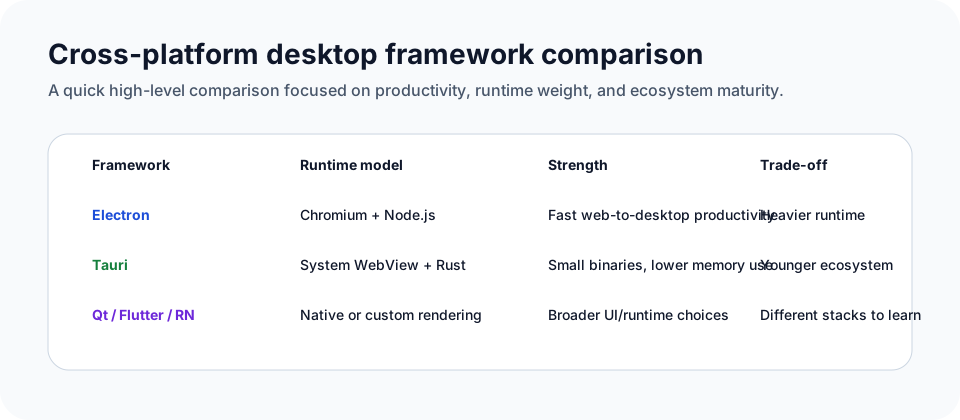
Some comparison diagrams between cross-platform approaches:
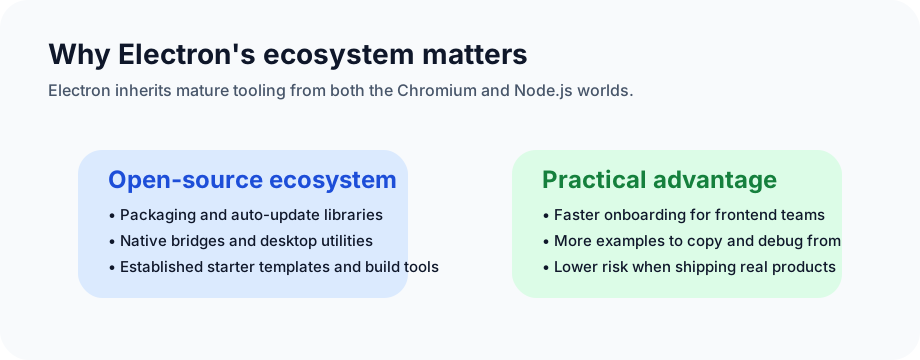
Strong ecosystem and mature examples
Electron's ecosystem is one of its biggest advantages. The available libraries and tools cover many common desktop-application needs.
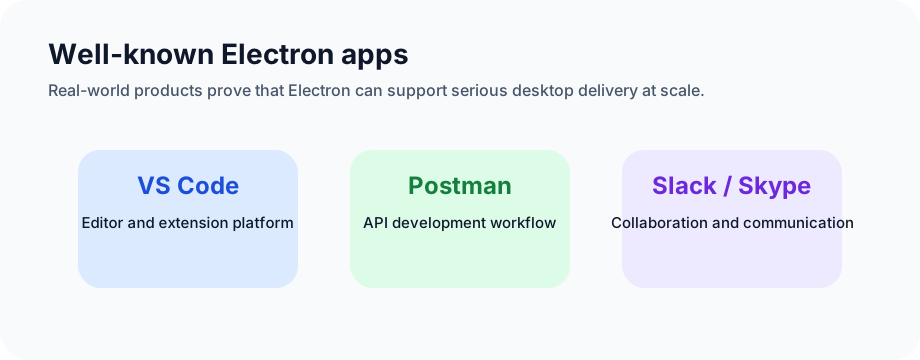
There are also many mature real-world applications built with Electron. Examples include:
- Postman
- Skype
- VS Code
Official showcase:
https://www.electronjs.org/apps
If you use a Mac and want to check which installed applications are built with Electron, you can run:
bash
for app in /Applications/*; do;[ -d $app/Contents/Frameworks/Electron\ Framework.framework ] && echo $app; done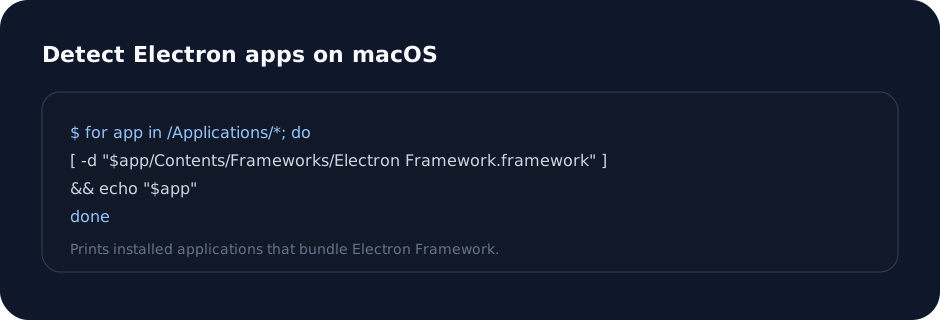
Electron is already very widely used, which makes it a practical technology to learn and ship with.
Summary
Personally, if a technology can improve productivity and free up time for learning even more interesting things, it is worth taking seriously.
For frontend developers, desktop development is a valuable additional skill. If you want to go deeper, Electron can also serve as a bridge into lower-level topics:
- Node native extensions
- C++
- Rust-backed utility libraries
So if the question is why someone would choose Electron, the answer is a mix of:
- strong productivity
- familiar frontend skills
- a very mature ecosystem
- real-world proven adoption
- room to grow into deeper system capabilities later